
Running on Private Meetings
Introduction
By default, workflows only run on public meetings. If you want a workflow to include private meetings, configure the trigger to include them before activating the workflow.
Configure the Trigger
Open your workflow and click the trigger.
Find the meeting-type options in the trigger configuration.
Locate the
Should Run on Private Meetingstoggle and turn it on.Save.
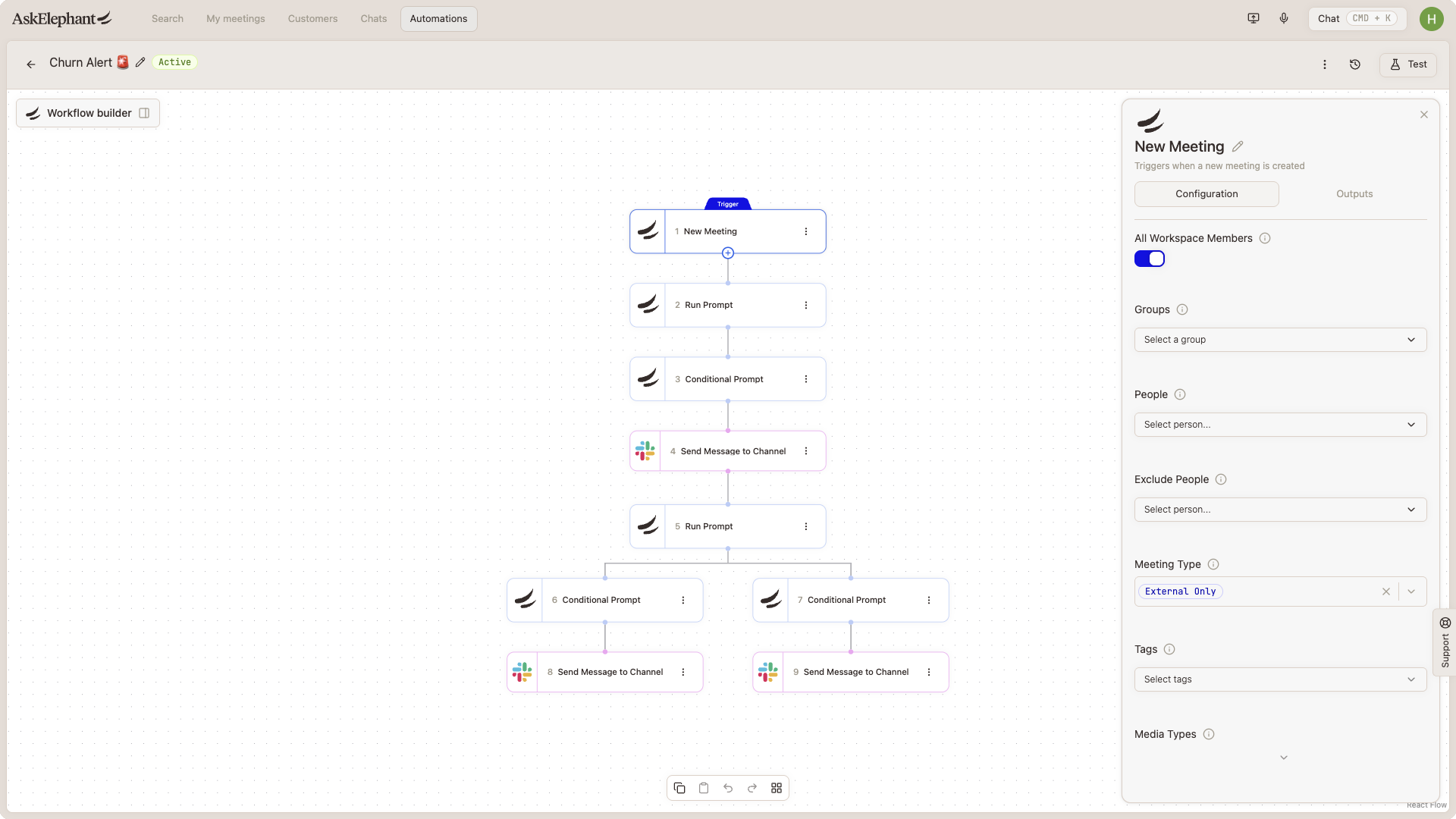
With the toggle on, the workflow will include meetings marked private.
Best Practices
Verify privacy settings before activating any meeting-based workflow.
Test on a small meeting sample before rolling out broadly.
Inform other workspace team members of the newly enabled workflow.
Need More Help?
Reach the AskElephant support team by clicking the Support tab on the right side of your screen, emailing [email protected], or using @askelephant support in your dedicated Slack channel.