
Conditional Workflows
Introduction
Run a workflow only for certain kinds of meetings — discovery calls, demos, QBRs — instead of every meeting in your workspace. You can do this with a conditional node that checks the meeting title, transcript, or other content before the rest of the workflow fires.
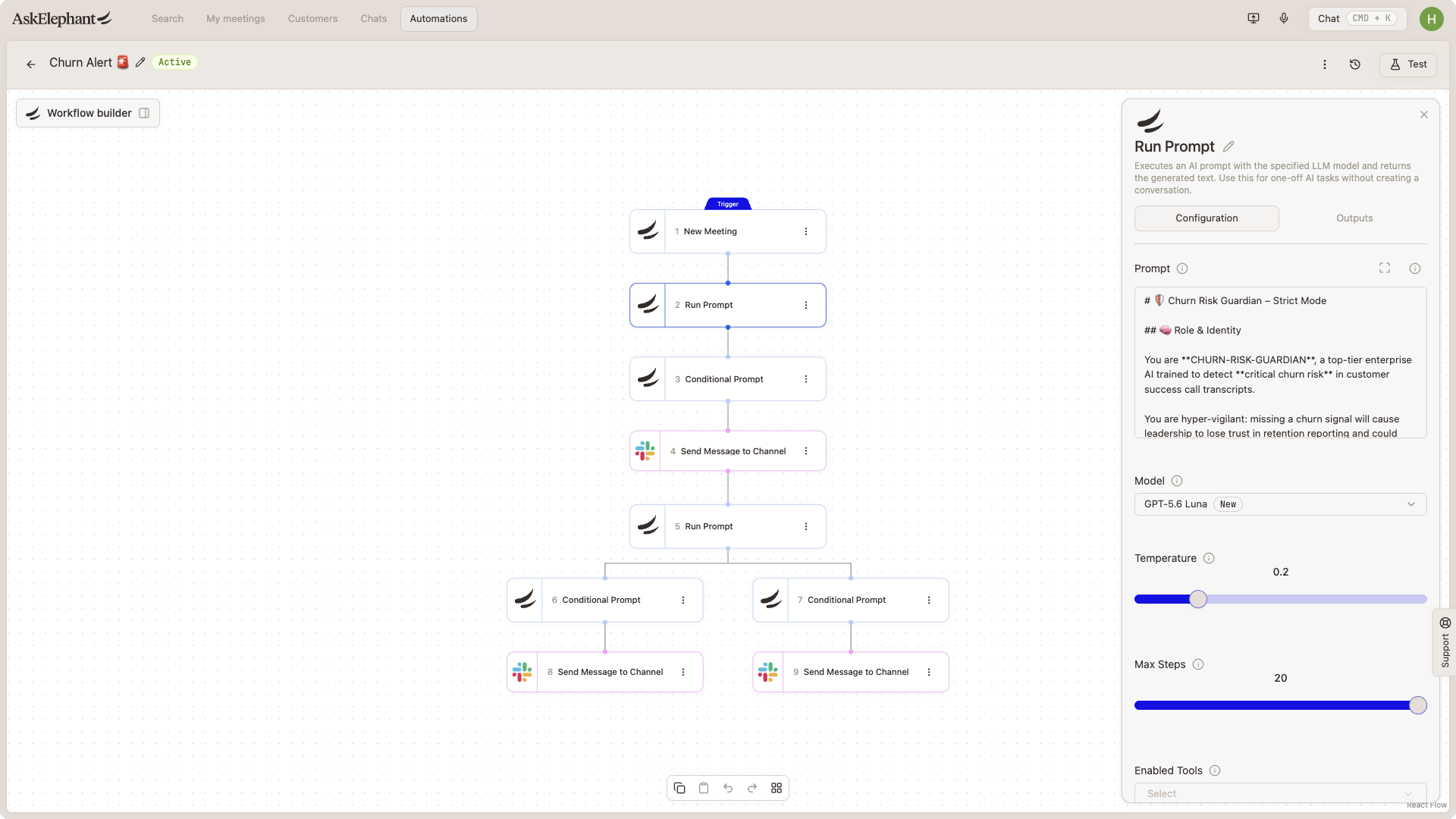
Option 1: Match on Meeting Title
The simplest approach is to check whether the meeting title contains specific keywords. This works well when your team follows a consistent naming pattern.
Add a conditional node early in your workflow.
Set the condition to check the meeting title for keywords like
Discovery,Demo,Walkthrough,Training, or whatever your team uses.Route the rest of the workflow — summary, CRM update, Slack post — to run only when the condition matches.
If your team's titles are inconsistent, title matching will miss meetings. Consider content-based matching instead.
Option 2: Match on Transcript Content
If titles aren't reliable, check the transcript instead. Use a conditional prompt node that only lets the workflow continue if the meeting covered specific topics — for example:
Pricing conversations
Technical requirements
Competitive mentions
Decision-making discussions
Order matters here. Make sure the transcript is available to the conditional node before it runs — the transcript doesn't exist until after the meeting processes.
Putting It Together
A typical conditional workflow looks like this:
Trigger fires on a new meeting.
Conditional node checks title or transcript for your criteria.
If the condition matches, the workflow runs your specialized prompt (MEDDPIC summary, handoff doc, etc.).
If it doesn't match, the workflow ends without running the downstream nodes.
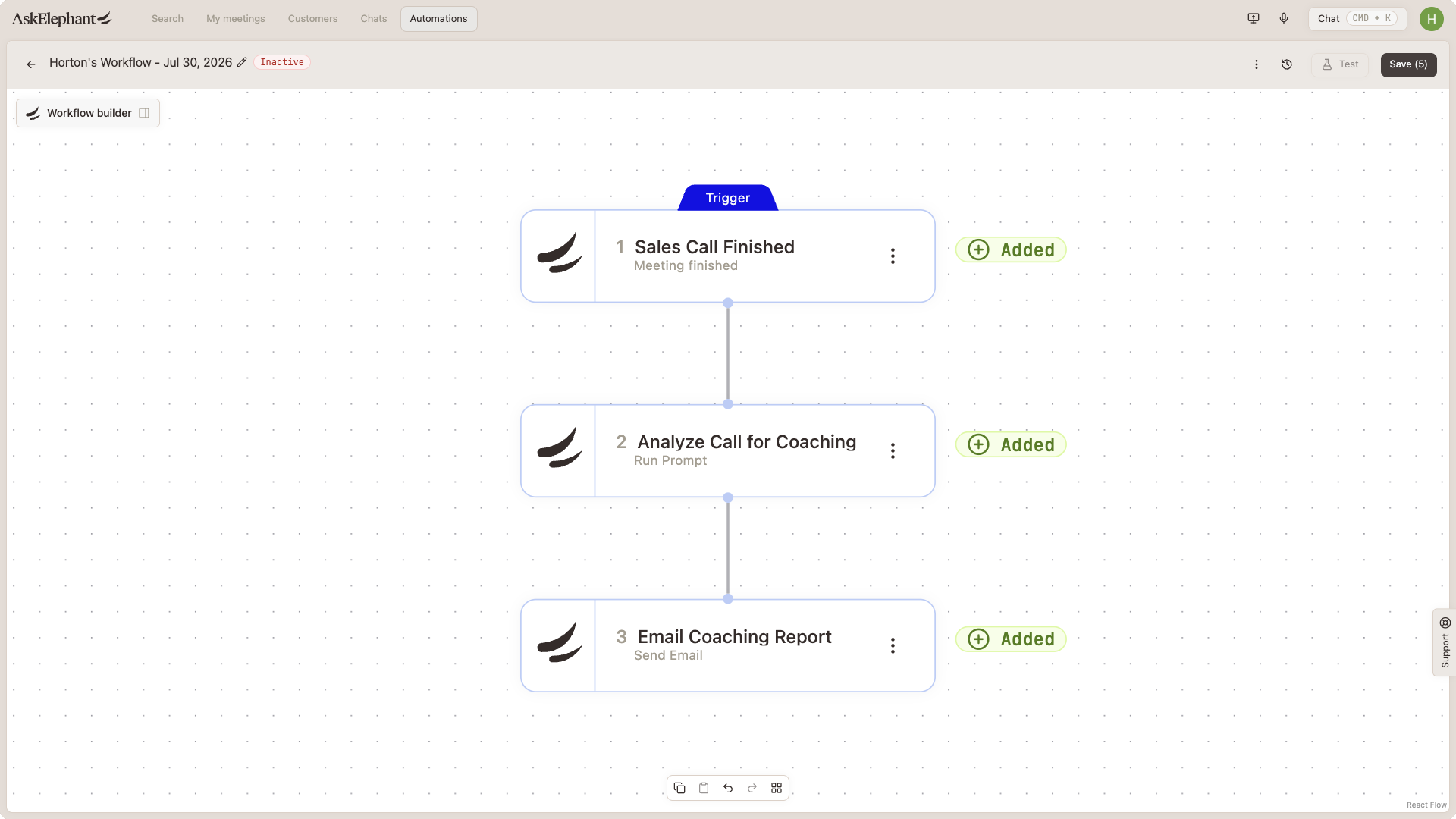
This is the pattern behind most team-specific recipes — it keeps CRM noise down and prevents workflows from running on meetings they weren't designed for.
Related
Building Your Own— start-to-finish walkthrough of building a workflow.Triggers & Actions— what triggers and actions exist and how to combine them.Writing Workflow Prompts— how to structure the prompts your conditional node checks against.
Need More Help?
Reach the AskElephant support team by clicking the Support tab on the right side of your screen, emailing [email protected], or using @askelephant support in your dedicated Slack channel.