
Transcript Issue
Introduction
If your transcript never appeared, is stuck on Waiting for transcript to process..., or you can't get it out of AskElephant, start here. In most cases the Reprocess Transcript button fixes it in one click.
Use the Reprocess Transcript button
When a transcript fails to generate, the meeting page shows an elephant icon and a Reprocess Transcript button. Click it. Most transient transcription errors clear on retry.
If the button isn't there, the meeting didn't generate a recording in the first place — there's nothing to transcribe. See Recording is missing or shows "Recording failed".
Give long meetings time
Transcripts can take a few minutes, and longer recordings take longer. If it's been under 20 minutes, refresh the page and wait.
Common causes when reprocess doesn't help
Audio quality. If the meeting audio was muffled, quiet, or had heavy background noise, the transcription service may not be able to detect words. Reprocessing won't fix a bad recording.
Bot was removed mid-meeting. If the notetaker was kicked shortly after joining, there isn't enough audio to transcribe. The event log will show this.
Notetaker was alone. If the bot joined but no other participants ever did, the bot left after 15-20 minutes — no recording, no transcript.
Transcription provider errors. Occasionally the service has transient errors. These almost always resolve with Reprocess Transcript. If a meeting fails twice, contact support.
Tips for better transcripts
Use a dedicated microphone, not a built-in laptop mic.
Minimize background noise.
Speak one at a time — heavy overlap garbles the output.
Run a quick audio check before important calls to confirm your mic and permissions are working.
Best practices for long meetings
For full-day workshops or sessions longer than 2-3 hours, use the Record now button on mobile or desktop to start and stop recording around breaks. Multiple shorter recordings process more reliably than one very long one.
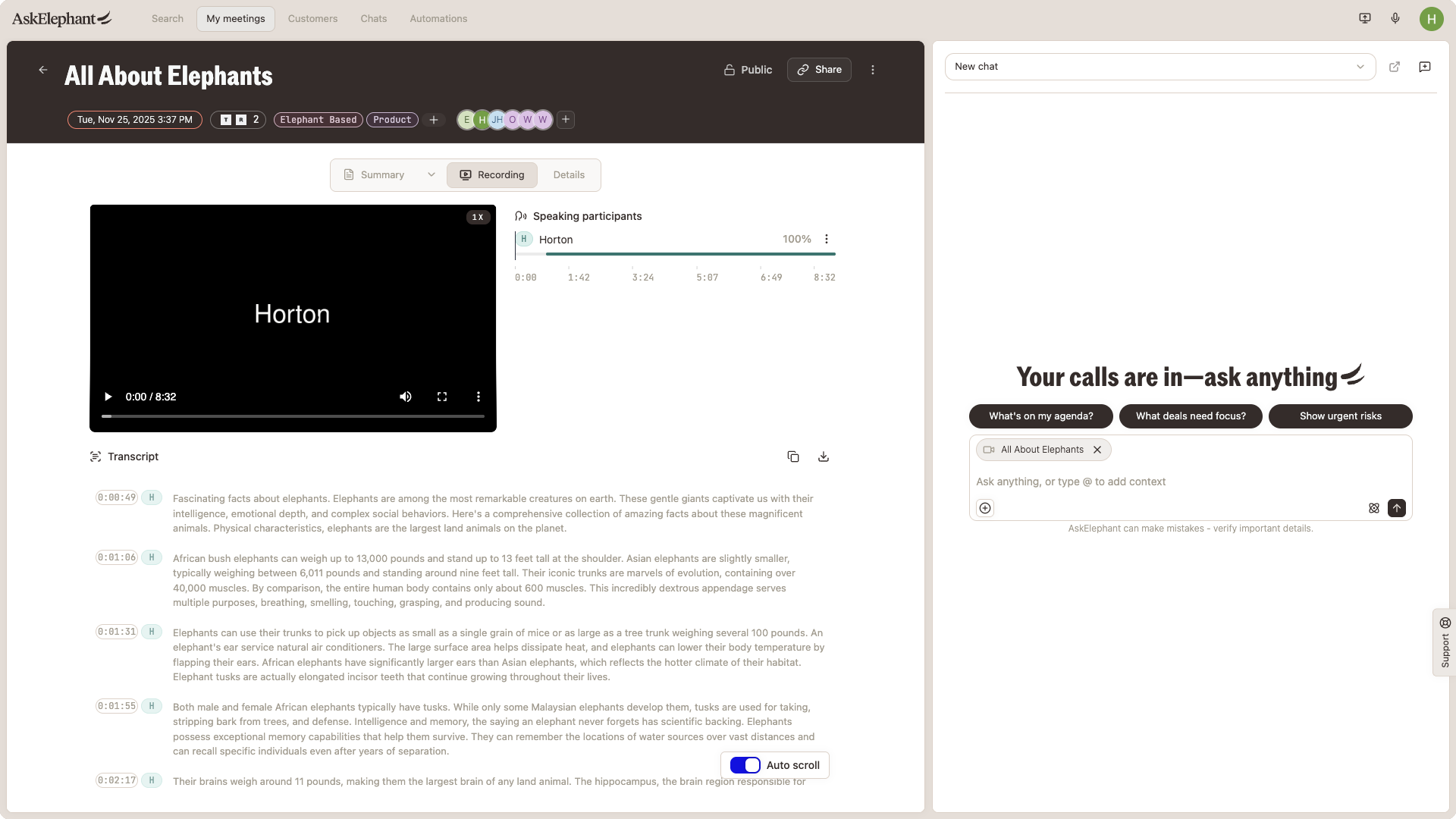
Copy a transcript
Open the meeting page.
Click
Show transcript.Click the three-dot menu at the top of the transcript.
Select
Copy transcript.
You can paste it into any document or text editor. A direct download isn't currently offered.
If the copy button errors out, contact support.
Export via API
For programmatic access to transcripts, use the AskElephant API. See docs.askelephant.ai for endpoints and authentication.
Still stuck?
If Reprocess Transcript doesn't work, the transcript isn't generating despite clear audio, or you're hitting errors exporting, contact support with the meeting link. Support can manually reprocess and will escalate persistent issues to engineering. See Meeting recording & transcription for the full troubleshooting guide.