
Meeting Summaries
Introduction
Every meeting in AskElephant now generates a high-quality summary automatically. This article covers what the meeting summary is, where to find it, and how it differs from the workflow-based summaries you may have used before.
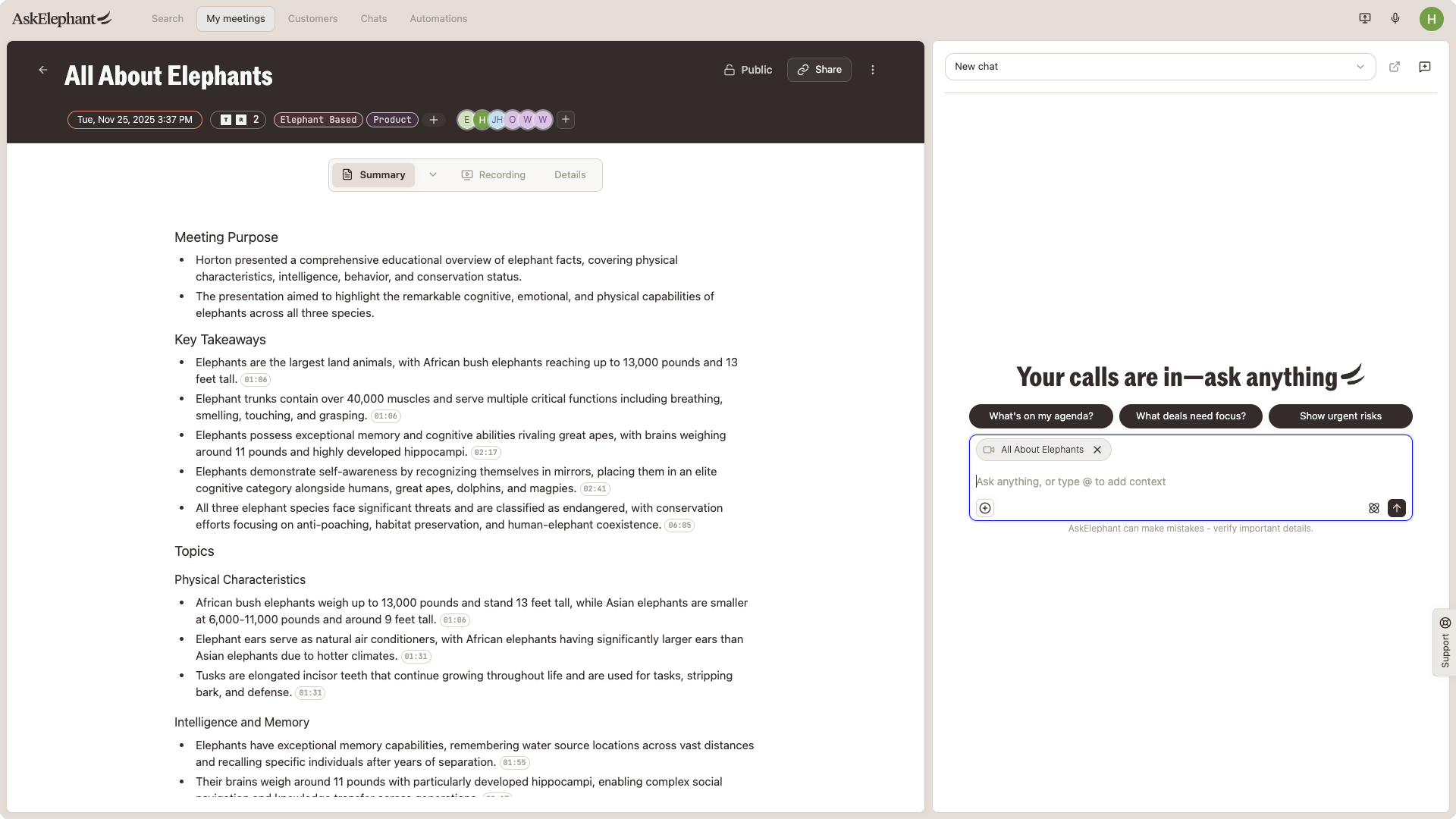
What the Meeting Summary Is
The meeting summary is a structured recap that AskElephant generates after every call. You may also see it referred to as the meeting summary artifact. It captures the key points, decisions, and next steps so you don't need to configure anything to get a useful recap.
You'll find the meeting summary on the engagement page for any meeting. It's the default landing view — open the engagement page and you're already looking at the summary.
How It's Different From Workflows
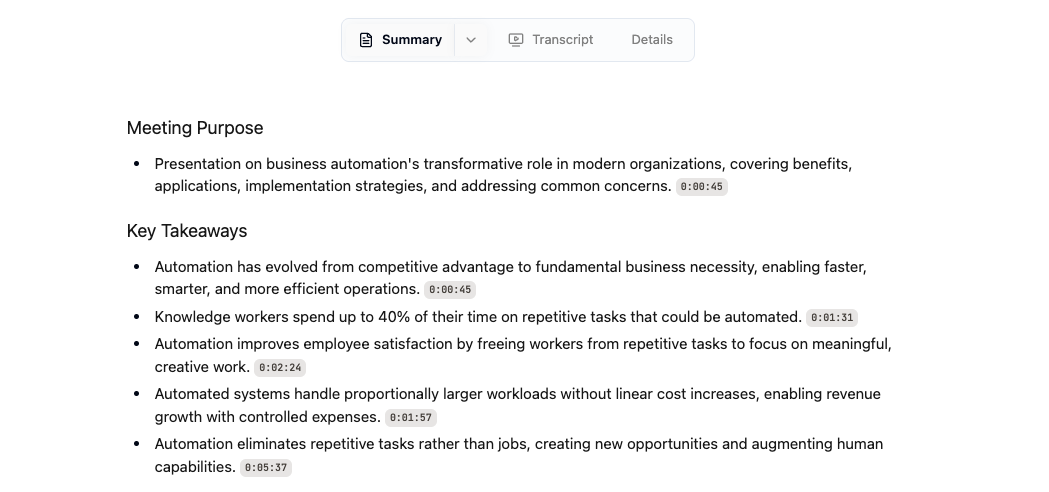
Previously, meeting summaries lived inside workflows. To get a recap, you or an admin had to build and configure a workflow first. The meeting summary changes that:
It runs on every meeting by default.
It's a single consistent format across every call.
You don't create, activate, or maintain anything to receive it.
Workflows still exist for custom outputs. Use a workflow when you need a tailored summary format, routing to a tool like Slack or HubSpot, or any output the default summary doesn't produce.
Need Additional Help?
If you have questions or need further assistance, the AskElephant support team is here to help:
Click the Support tab on the right side of your screen
Email us at [email protected]
Use @askelephant support in your dedicated Slack channel
We're committed to getting you the answers you need as quickly as possible.