What Is AskElephant?
Introduction
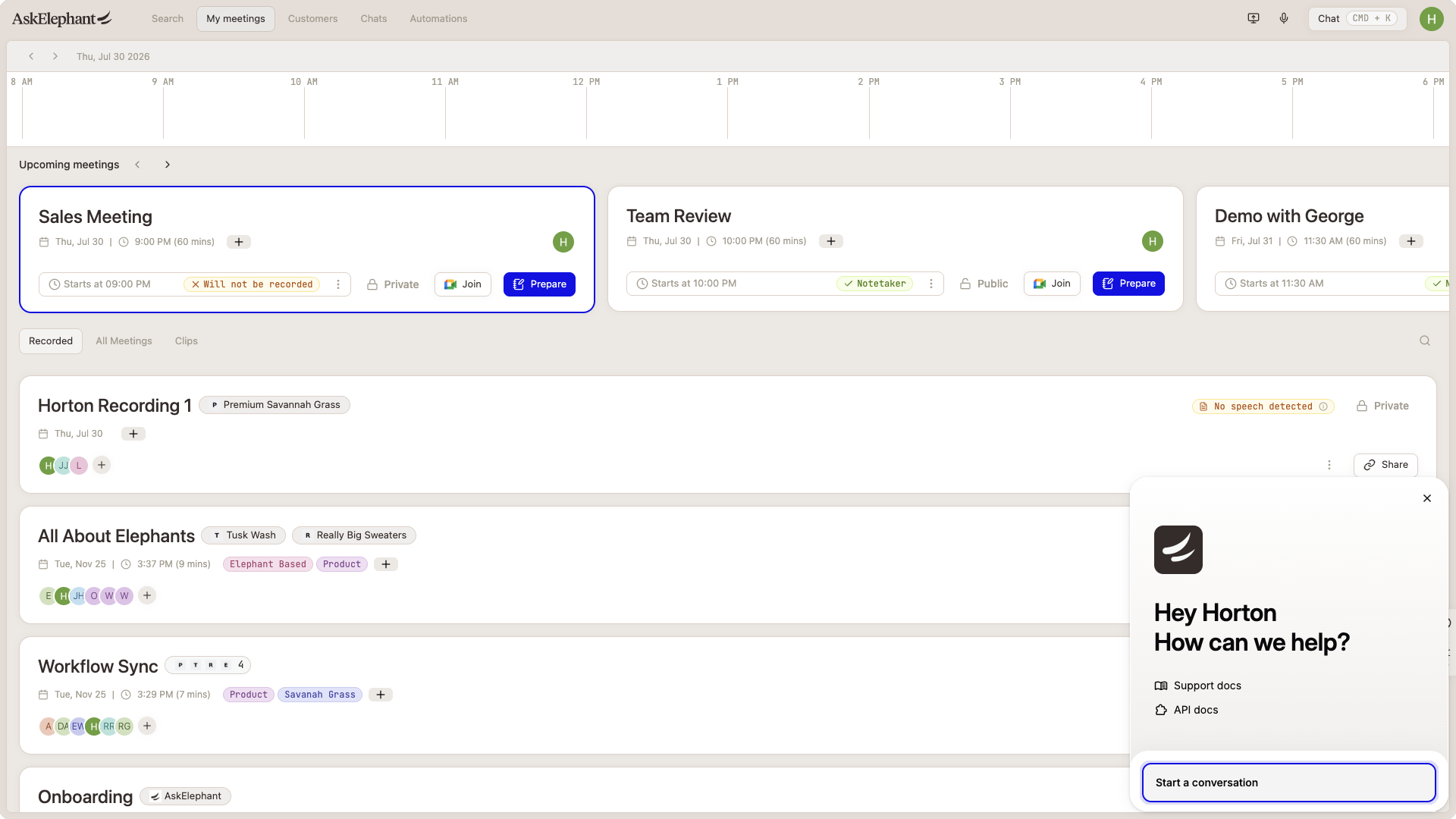
AskElephant records, transcribes, and analyzes your meetings, then uses AI to turn what was said into CRM updates, summaries, alerts, and follow-up actions. This article gives a quick overview of what it does and how to get help getting set up.
Beyond Note-Taking
AskElephant joins meetings, records them, and creates transcripts. The difference from a basic notetaker is what happens next: workflows and agents use the transcript to update your CRM, generate summaries tailored to your style, flag risks, and surface insights across meetings — so the data turns into actions instead of sitting in a doc.
Integrations
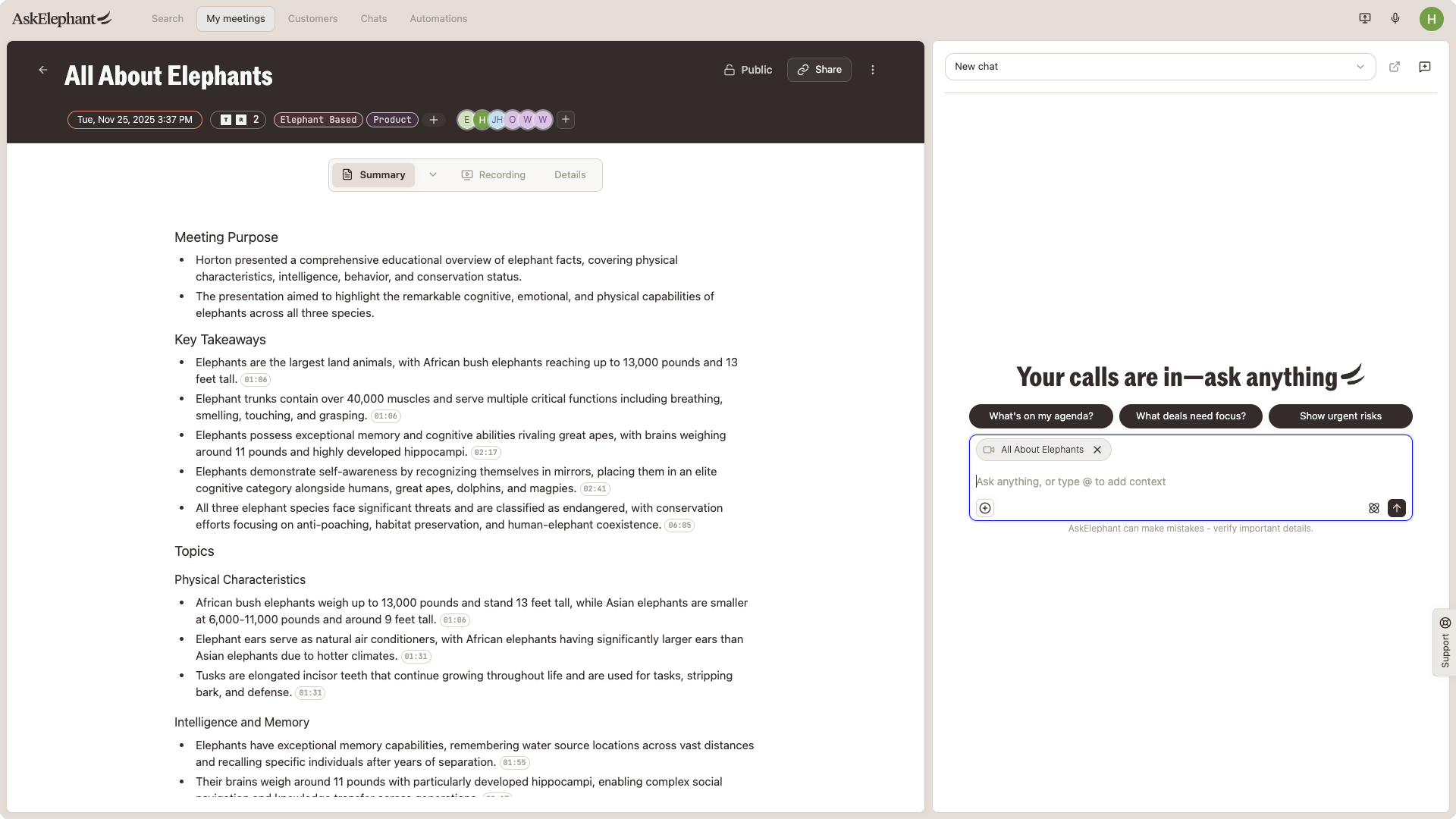
AskElephant connects to the tools your team already uses:
CRMs — HubSpot and Salesforce. Pull deal and contact data, and update stages, records, and fields automatically based on what was said in a meeting.
Slack — send notifications, alerts, and summaries to channels or people.
Calendar and meetings — Google Meet, Zoom, and Microsoft Teams. The notetaker joins scheduled meetings automatically.
Google Drive, Sheets, Docs, Slides — coming soon, for richer context and document-based automations.
Workflows
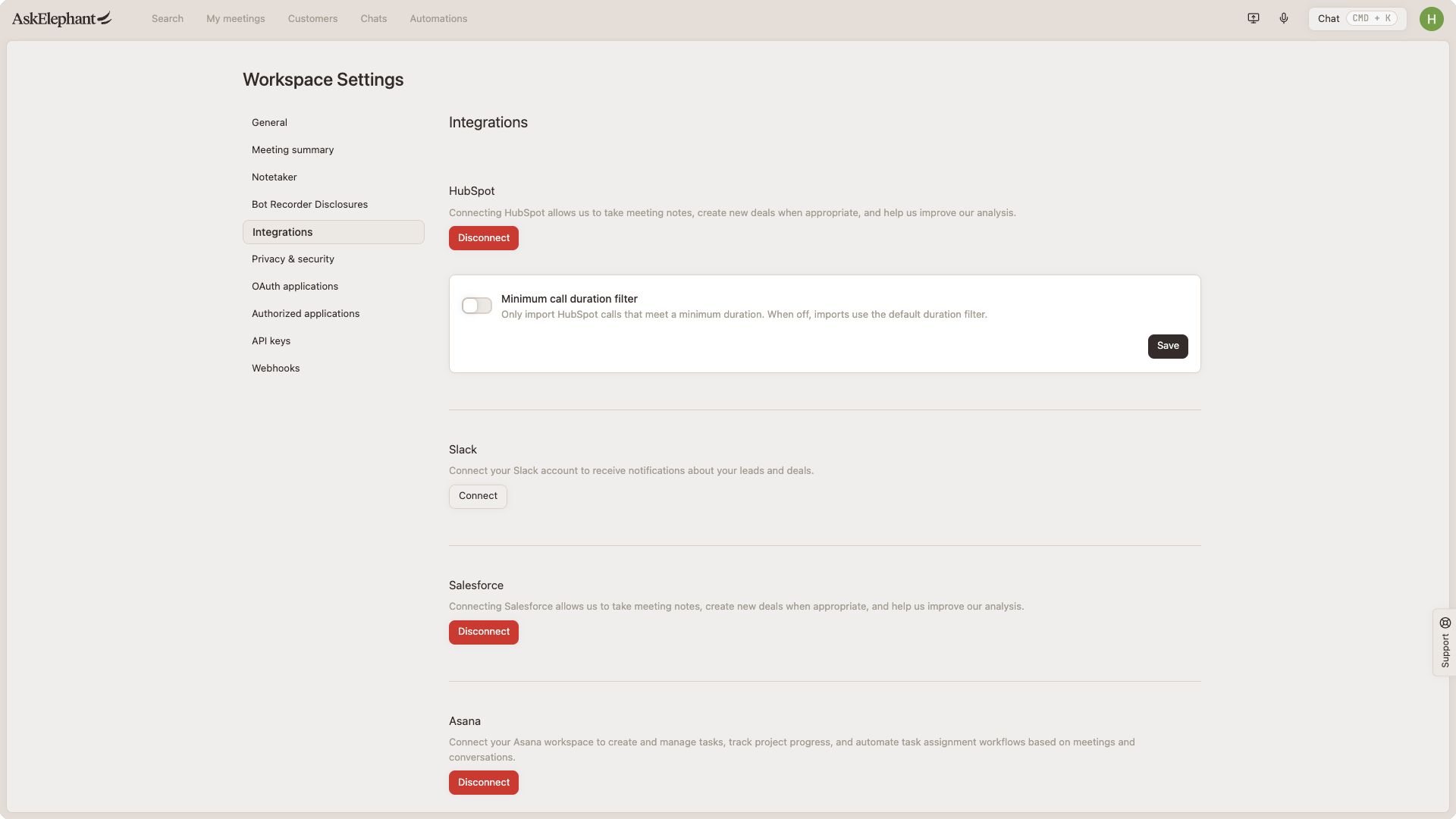
Workflows are the core of the automation. A few common ones:
CRM updates — update lead qualification, deal stages, and other fields based on conversation insights.
Meeting recaps — generate summaries, action items, and follow-up emails in your preferred style.
Sales coaching — automated feedback on calls, including adherence to methodologies like BANT or MEDDPICC.
Proactive alerts — signal churn risk, customer quotes, or specific topics to Slack or email.
Content prompts — surface LinkedIn post ideas from recent calls.
Sales-to-CS handoffs — generate a handoff document when a deal closes (see the Sales to Customer Success Handoff recipe).
Customization and AI Models
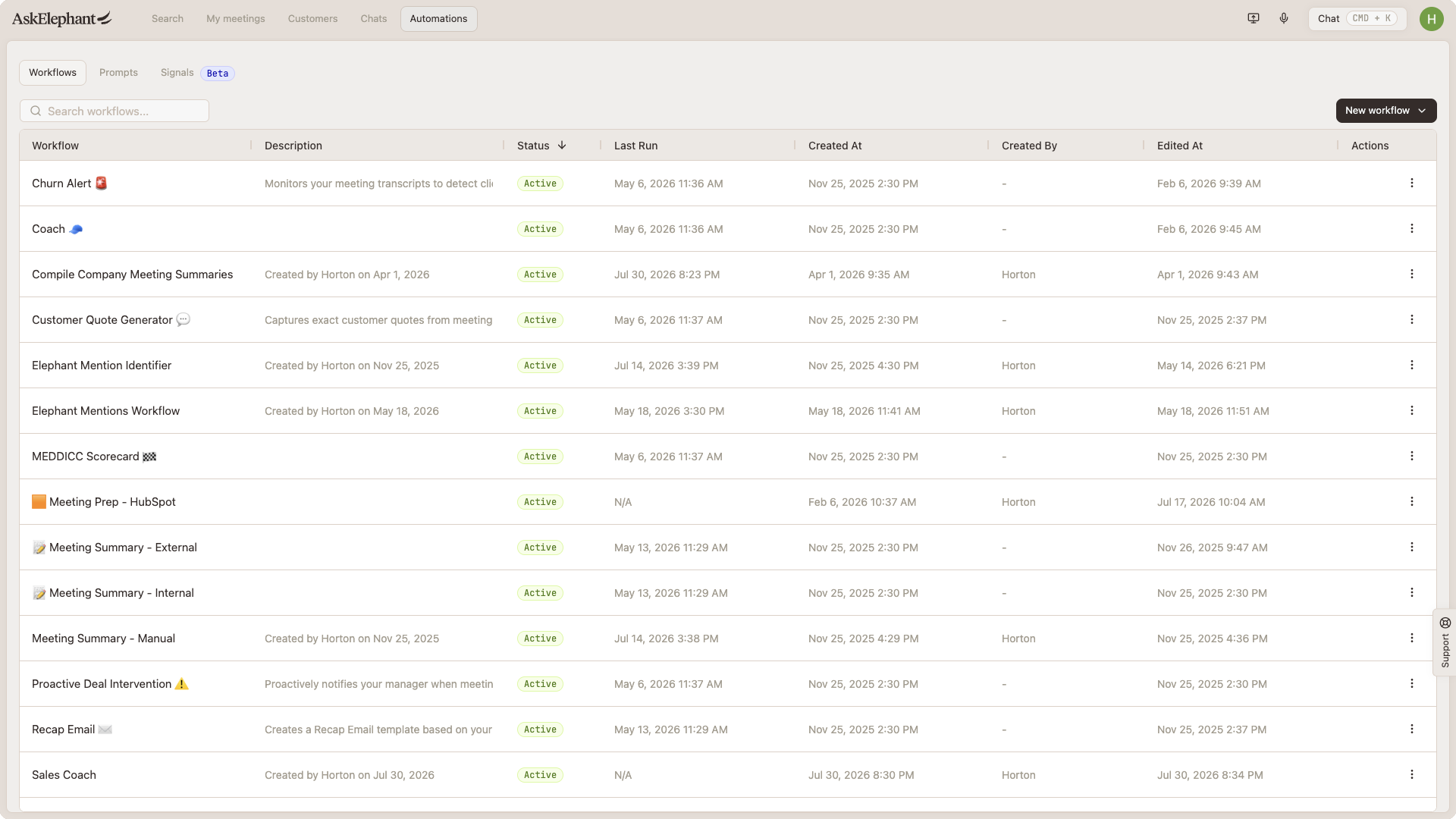
Tailor workflows to your team's structure, tone, and objectives.
Pick your AI model — Claude, GPT-5, Gemini, or Grok. Use different models for different tasks.
Build workflows yourself in the workflow builder, or ask the solutions team to build one for you.
Mobile app for in-person meetings and voice memos.
Data security — AskElephant is SOC 2 compliant. Your data stays within your instance and isn't used to train external LLMs.
Getting Set Up and Finding Help
The fastest way to get going is to connect your calendar and one or two primary tools (usually your CRM and Slack), then try one or two recipe-based workflows.
For help:
Help center — you're in it. Use the search bar to find a specific feature.
Your customer success manager — can help with setup, building agents, and optimizing workflows for your role. Reach out via the in-app chat to find out who your CSM is and schedule time.
One-on-one and team training — CSMs can run individual walkthroughs, team Q&A sessions, or lunch-and-learn-style demos. Contact your CSM with your use cases and preferred dates.
Support chat — the Support tab on the right side of the app. All conversations are saved, so you can refer back to earlier questions.