
Contact Updated
Start a workflow whenever a contact record changes in HubSpot. It appears as Contact Updated in the workflow builder.
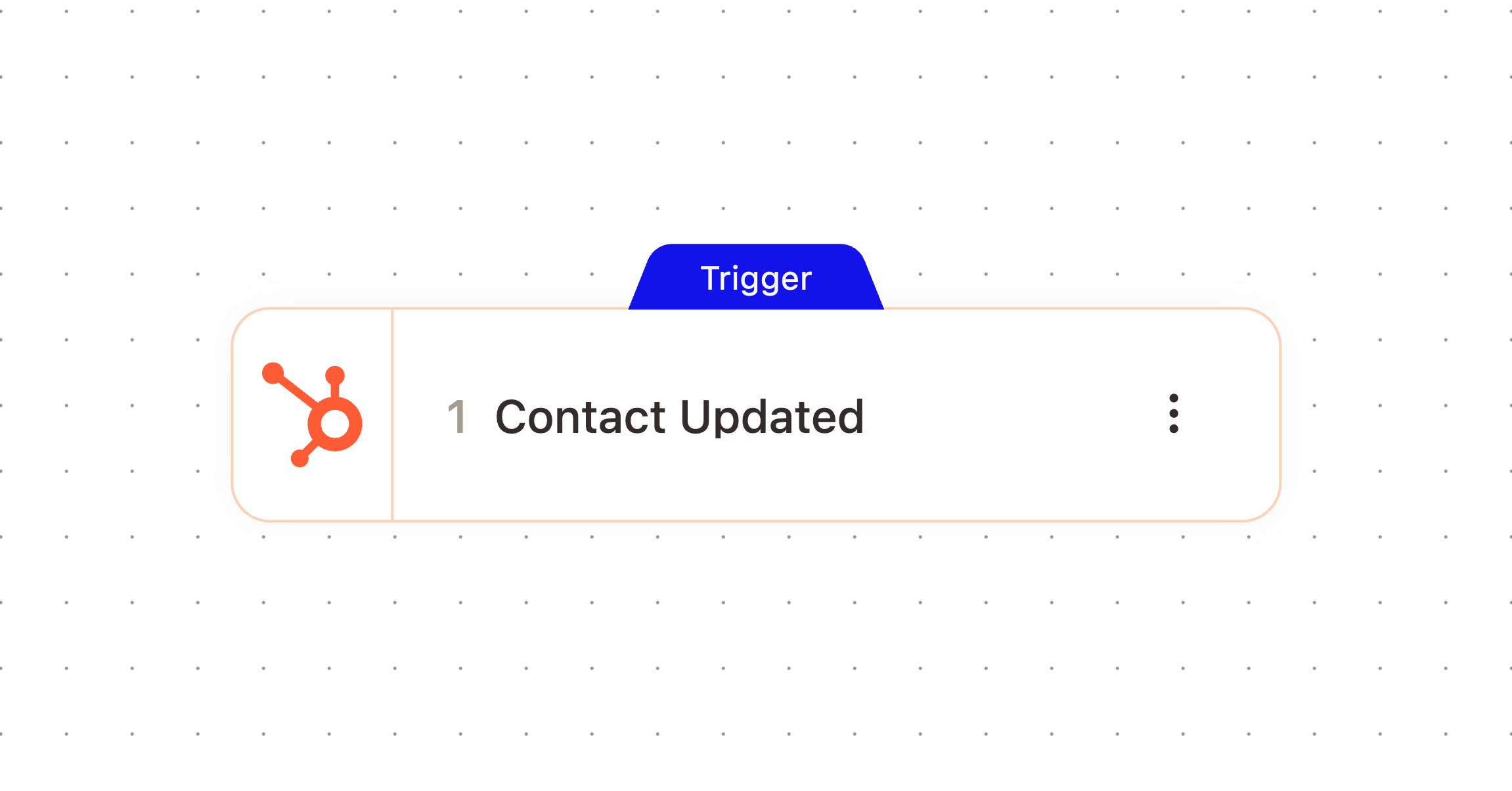
What It Does
Watches your connected HubSpot workspace and fires when an existing contact record is updated, giving the workflow a reference to that contact plus the property that changed.
When It Fires
Fires when a contact is updated. Leave the property filter empty to fire on any property change, or narrow it to a single property so the workflow only runs when that specific field changes.
Configuration
Configure the node with these settings:
Field | What it controls |
|---|---|
Property Name | Enter a HubSpot property name to only trigger when that property is updated. If left blank, all property changes trigger the workflow. |
Outputs
The node passes these values downstream. Check the Outputs tab on the configured node to confirm exact paths.
Variable | Type | Description | Example |
|---|---|---|---|
|
| A reference to the contact that was updated in AskElephant |
|
|
|
| |
|
|
| |
|
|
| |
|
|
| |
|
|
| |
|
|
| |
|
|
|
Example Workflow
Watch for changes to a contact's lifecycle stage property, then update a linked record and notify the assigned rep when a contact becomes a marketing qualified lead.
Related Nodes
Contact Created
Update Contact
Add Note
Need More Help?
Reach the AskElephant support team by:
clicking the Support tab on the right side of your screen,
emailing [email protected],
or using
@askelephant supportin your dedicated Slack channel.