
Manual Trigger
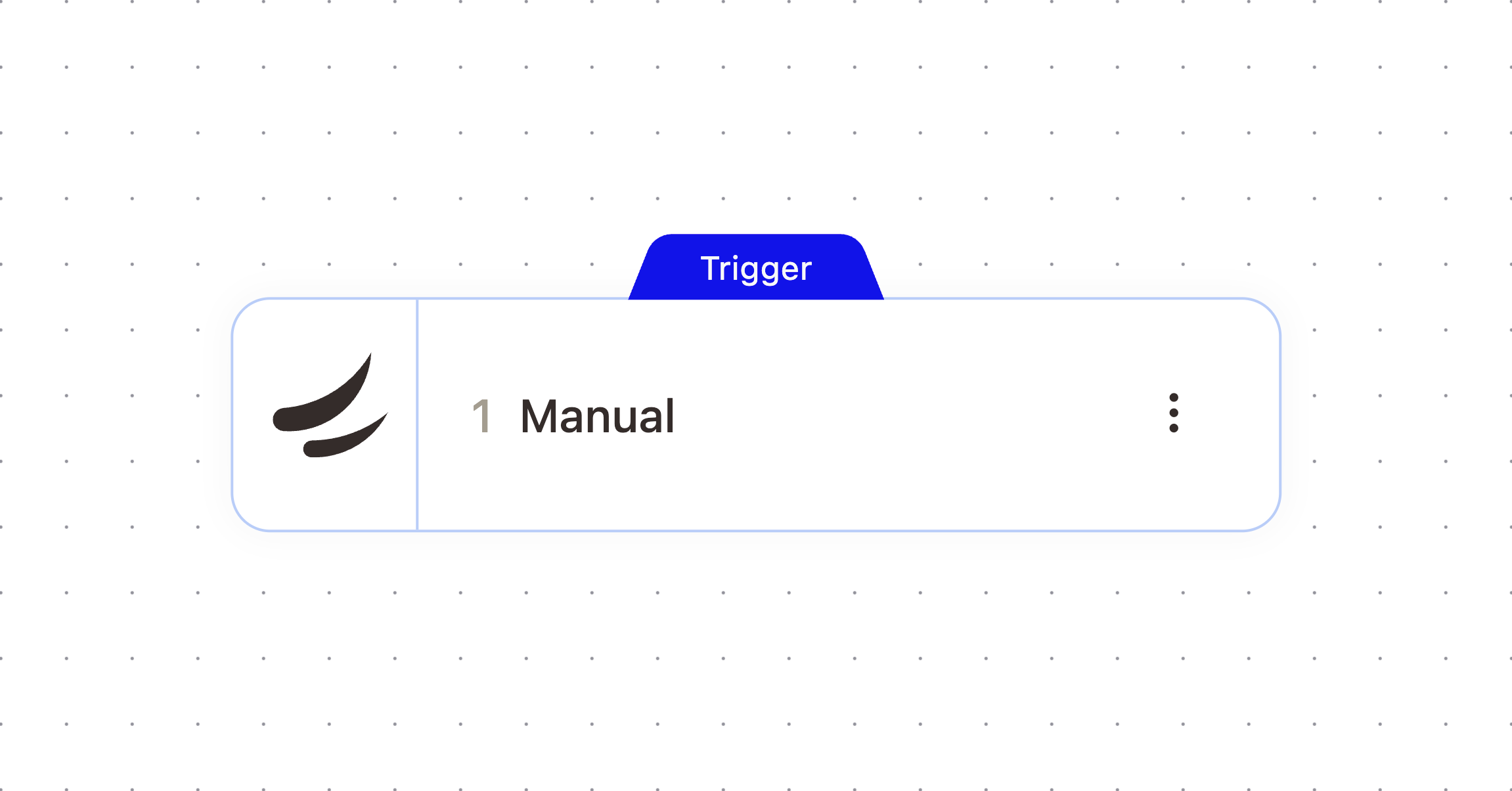
Run a workflow on demand from inside AskElephant. This trigger puts a button on the object type you choose, so people can launch the workflow themselves instead of waiting for it to run automatically. It appears as Manual in the workflow builder.
What It Does
Adds a run button to the object type you select. When someone clicks it, the workflow starts with that object's context already loaded, so downstream steps can use its details.
When To Use It
Use this for workflows a person starts by hand, such as a "Draft the follow-up email" button on a meeting page or a "Create a CRM note" button on a contact. For workflows that should run on their own, use the Scheduled Trigger or one of the meeting triggers instead.
Configuration
Configure the node with these settings:
Field | What it controls |
|---|---|
Related object type | Where the button appears: on Meetings, Calendar Events, Contacts, Companies, Conversations, or None (workflow list only). This also sets what context the workflow receives. Required. Defaults to |
Groups and People | Limit who sees the button. Leave both empty to show it to all workspace members. |
Exclude people | Hide the button from specific people, even if they belong to a selected group. |
Outputs
The node passes these values downstream. Check the Outputs tab on the configured node to confirm exact paths.
Default Output
Variable | Type | Description | Example |
|---|---|---|---|
|
| A reference to the conversation that the workflow is related to |
|
|
|
| |
|
| A link to the conversation in AskElephant |
|
|
| The meeting documents that are attached to the conversation |
|
|
|
| |
|
| The user that triggered the workflow |
|
|
|
| |
|
| The name of the user that triggered the workflow |
|
When Related Object Type Is Meeting
Variable | Type | Description | Example |
|---|---|---|---|
|
| A reference to the meeting |
|
|
|
| |
|
| The title of the meeting |
|
|
| The text transcript of the meeting |
|
|
| The original meeting URL from the calendar provider (e.g., Zoom, Google Meet) |
|
|
| A clickable link to the meeting in AskElephant |
|
|
| A shareable link to the meeting |
|
|
| The iCal/calendar UID for the meeting |
|
|
| The start time of the meeting |
|
|
| The end time of the meeting |
|
|
| The primary internal contact who owns the meeting |
|
|
|
| |
|
| The name of the primary internal contact who owns the meeting |
|
|
| The email of the primary internal contact who owns the meeting |
|
|
| The internal attendees of the meeting |
|
|
|
| |
|
| The names of the internal attendees of the meeting |
|
|
| The emails of the internal attendees of the meeting |
|
|
| The external attendees of the meeting |
|
|
|
| |
|
| The names of the external attendees of the meeting |
|
|
| The emails of the external attendees of the meeting |
|
|
| All attendees of the meeting |
|
|
|
| |
|
| The names of all attendees of the meeting |
|
|
| The emails of all attendees of the meeting |
|
|
| The team member attendees of the meeting |
|
|
|
| |
|
| The names of the team member attendees of the meeting |
|
|
| The emails of the team member attendees of the meeting |
|
|
| The primary company associated with the meeting |
|
|
|
| |
|
| The name of the primary company associated with the meeting |
|
|
| The description of the primary company |
|
|
| The domain of the primary company |
|
|
| All companies associated with the meeting |
|
|
|
| |
|
| Names of all companies associated with the meeting |
|
|
| Descriptions of all companies associated with the meeting |
|
|
| Domains of all companies associated with the meeting |
|
|
| The primary company associated with external attendees of the meeting |
|
|
|
| |
|
| The name of the primary external company |
|
|
| The description of the primary external company |
|
|
| The domain of the primary external company |
|
|
| The CRM object ID for the primary company, if linked to a CRM |
|
|
| The CRM source (HUBSPOT, SALESFORCE, SALESFORCE_V2) for the primary company |
|
|
| The CRM object ID for the primary internal contact, if linked to a CRM |
|
|
| The CRM source for the primary internal contact |
|
|
| The user that triggered the workflow |
|
|
|
| |
|
| The name of the user that triggered the workflow |
|
When Related Object Type Is Calendar Event
Variable | Type | Description | Example |
|---|---|---|---|
|
| The title of the calendar event |
|
|
| The description of the calendar event |
|
|
| A reference to the calendar event |
|
|
|
| |
|
| A clickable link to the calendar event in AskElephant |
|
|
| The primary internal contact who owns the calendar event |
|
|
|
| |
|
| The email of the primary internal contact |
|
|
| The internal attendees of the calendar event |
|
|
|
| |
|
| The emails of the internal attendees of the calendar event |
|
|
| The external attendees of the calendar event |
|
|
|
| |
|
| All attendees of the calendar event |
|
|
|
| |
|
| The emails of all attendees of the calendar event |
|
|
| The team member attendees of the calendar event |
|
|
|
| |
|
| The names of the team member attendees of the calendar event |
|
|
| The emails of the team member attendees of the calendar event |
|
|
| The primary company associated with the calendar event |
|
|
|
| |
|
| The name of the primary company associated with the calendar event |
|
|
| The description of the primary company |
|
|
| The domain of the primary company |
|
|
| All companies associated with the calendar event |
|
|
|
| |
|
| Names of all companies associated with the calendar event |
|
|
| Descriptions of all companies associated with the calendar event |
|
|
| Domains of all companies associated with the calendar event |
|
|
| The name of the user that triggered the workflow |
|
|
| The CRM object ID for the primary company, if linked to a CRM |
|
|
| The CRM source (HUBSPOT, SALESFORCE, SALESFORCE_V2) for the primary company |
|
|
| The CRM object ID for the primary internal contact, if linked to a CRM |
|
|
| The CRM source for the primary internal contact |
|
|
| The user that triggered the workflow |
|
|
|
|
When Related Object Type Is Person
Variable | Type | Description | Example |
|---|---|---|---|
|
| A reference to the contact that the workflow is related to |
|
|
|
| |
|
| The name of the contact |
|
|
| The email of the contact |
|
|
| A link to the contact in AskElephant |
|
|
| The user that triggered the workflow |
|
|
|
| |
|
| The name of the user that triggered the workflow |
|
When Related Object Type Is Company
Variable | Type | Description | Example |
|---|---|---|---|
|
| A reference to the company that the workflow is related to |
|
|
|
| |
|
| The description of the company |
|
|
| The name of the company |
|
|
| The domain of the company |
|
|
| A link to the company in AskElephant |
|
|
| The user that triggered the workflow |
|
|
|
| |
|
| The name of the user that triggered the workflow |
|
When Related Object Type Is None
Variable | Type | Description | Example |
|---|---|---|---|
|
| The user that triggered the workflow |
|
|
|
| |
|
| The name of the user that triggered the workflow |
|
Example Workflow
Add a "Create CRM note" button to the meeting page. After a call, a rep clicks it and the workflow reads the meeting context and writes a note to the linked CRM record.
Related Nodes
Scheduled Trigger
New Meeting
Meeting Finished
Need More Help?
Reach the AskElephant support team by:
clicking the Support tab on the right side of your screen,
emailing [email protected],
or using
@askelephant supportin your dedicated Slack channel.