
Read Messages from Channel
Pull recent messages from a Slack channel into a workflow so you can summarize, analyze, or act on the conversation.
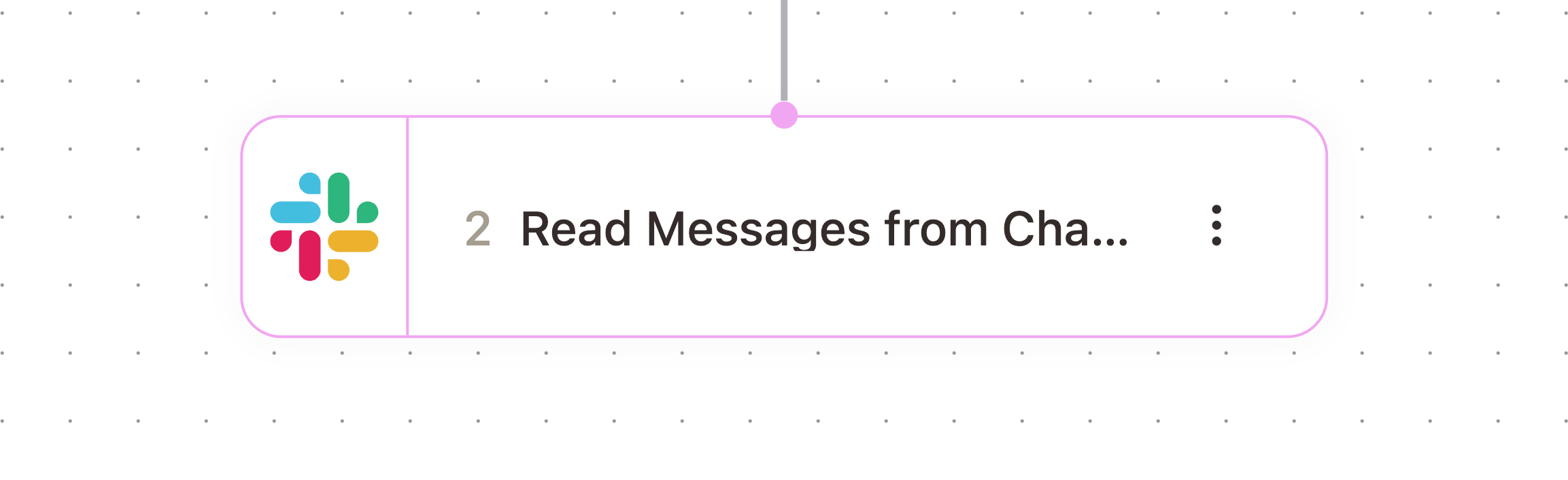
What It Does
Retrieves the messages posted in a Slack channel over a timeframe you choose and returns them as JSON for downstream steps to read.
When To Use It
Use this when a workflow needs to catch up on what happened in a channel, for example summarizing today's activity in #support or checking a channel before drafting a reply. The AskElephant bot must already be a member of the channel you are reading from.
Configuration
Configure the node with these settings:
Field | What it controls |
|---|---|
Channel Name | The channel to read from, with or without the |
Timeframe | How far back to look: |
Outputs
The node passes these values downstream. Check the Outputs tab on the configured node to confirm exact paths.
Variable | Type | Description | Example |
|---|---|---|---|
|
| The messages from the channel in JSON format |
|
Example Workflow
A daily workflow reads the last 24 hours from #support with Read Messages from Channel, then passes {{nodeId.messages}} into a prompt node that drafts a summary and posts it back to the channel.
Related Nodes
Channel Message Sent
Send Message to Channel
Send Slack Message
Need More Help?
Reach the AskElephant support team by:
clicking the Support tab on the right side of your screen,
emailing [email protected],
or using
@askelephant supportin your dedicated Slack channel.