
Contact Created
Start a workflow the moment a new contact is created in HubSpot. It appears as Contact Created in the workflow builder.
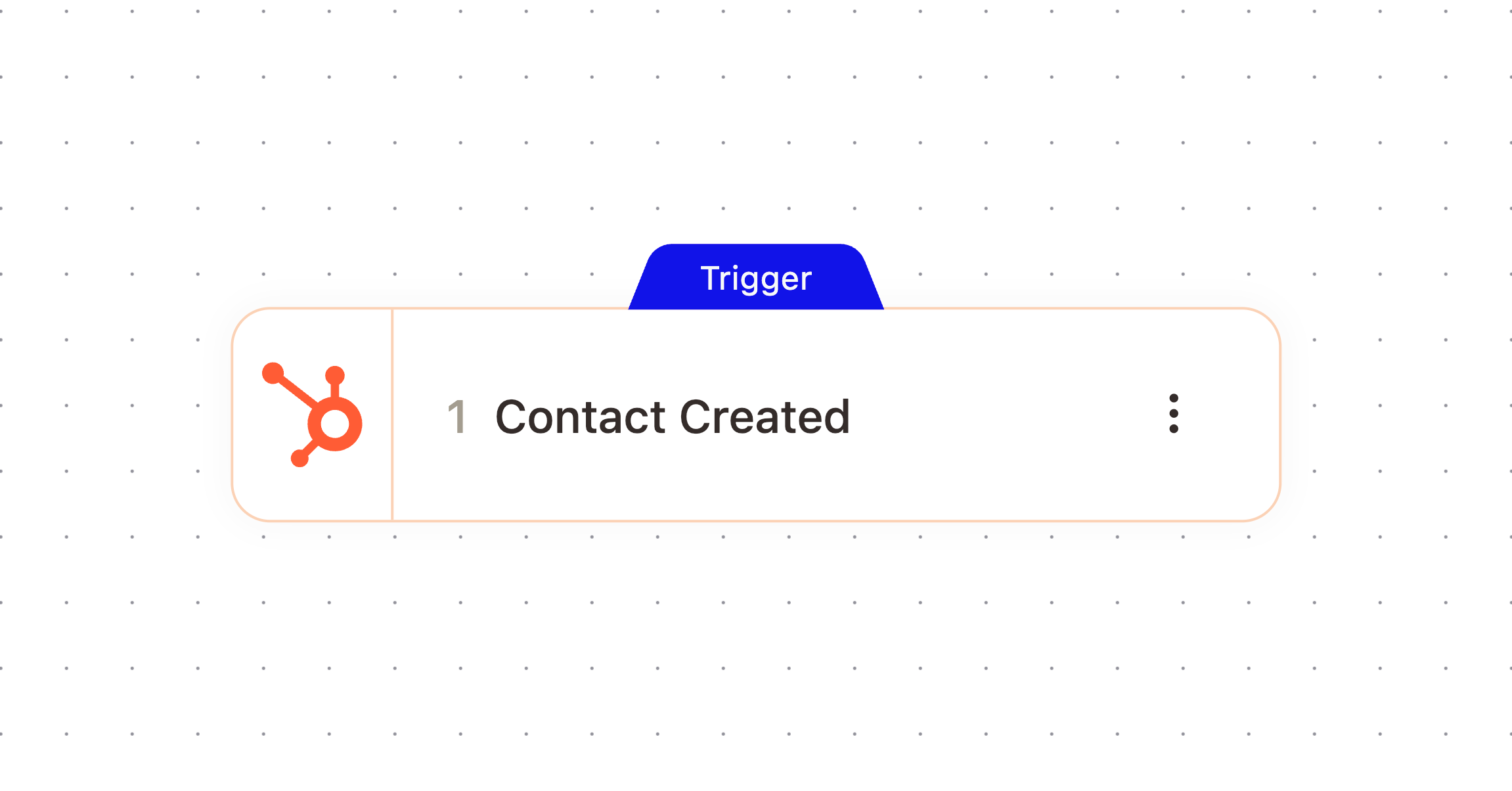
What It Does
Watches your connected HubSpot workspace and fires when a new contact record is created, giving the workflow a reference to that contact plus their core HubSpot details right away.
When It Fires
Fires on every new contact created in HubSpot. This trigger has no filters, so it fires for every contact regardless of source. Use a downstream condition node if you only want to act on a subset, such as contacts from a specific domain.
Configuration
This trigger has no configuration options. It fires for every contact created in your connected HubSpot workspace.
Outputs
The node passes these values downstream. Check the Outputs tab on the configured node to confirm exact paths.
Variable | Type | Description | Example |
|---|---|---|---|
|
| A reference to the contact that was created in AskElephant |
|
|
|
| |
|
|
| |
|
|
| |
|
|
| |
|
|
|
Example Workflow
When a new contact is created in HubSpot, send a welcome email using their contactFirstName and contactEmail, then log a note on the contact record confirming it was sent.
Related Nodes
Contact Updated
Update Contact
Add Note
Need More Help?
Reach the AskElephant support team by:
clicking the Support tab on the right side of your screen,
emailing [email protected],
or using
@askelephant supportin your dedicated Slack channel.