
Send Notification
Notify team members through whichever channel they prefer, Slack, email, or both, based on their own notification settings.
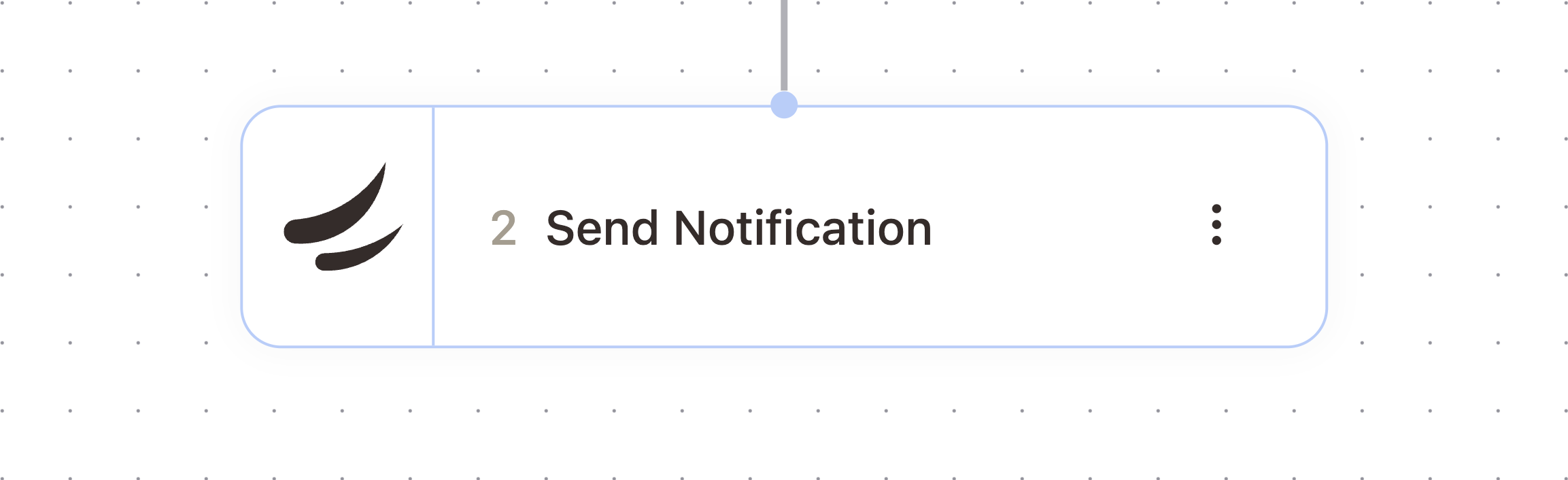
What It Does
Sends a title and message to the people you select. Each recipient gets the notification through Slack, email, or both, depending on their individual notification preferences in AskElephant, not a channel you choose per notification.
When To Use It
Use this for internal alerts to your team, like flagging a deal that needs attention or letting a manager know a workflow finished. If you need to control exactly who receives an email regardless of their preferences, use Send Email instead.
Configuration
Configure the node with these settings:
Field | What it controls |
|---|---|
Recipients | The team members to notify. Required. |
Title | The notification title. Becomes the email subject line and appears bolded in Slack. Required. |
Message | The main notification content. Supports markdown formatting for both email and Slack. Required. |
Outputs
The node passes these values downstream. Check the Outputs tab on the configured node to confirm exact paths.
This node does not emit output variables.
Example Workflow
When an Outcome Validator reports a failure, follow it with a Send Notification to the workflow owner using {{outcomeValidator.validationSummary}} as the message.
Related Nodes
Send Email
Outcome Validator
Search People
Need More Help?
Reach the AskElephant support team by:
clicking the Support tab on the right side of your screen,
emailing [email protected],
or using
@askelephant supportin your dedicated Slack channel.